
3D Modeling & Animation

Glimpse
Creating 3D models and animations with software like Maya
SKILLS: Maya, Womp3D, Blender, 3D Modeling, Rigging, 3D Animation, Rendering
MAYA
Taking Computer Animation for Dramatic Media in my last year of undergraduate school gave me a newfound love and appreciation for animation. Seeing firsthand how hard and tedious animating is, I will never be able to watch an animated film the same again! I have so much respect for animators and the time and effort they devote to their craft!
For my final project, I was tasked with modeling, rigging, and animating a penguin with the Maya 3D software. I had to be mindful of topology, as well as weight mapping each joint so it had the correct amount of influence. I also had to give my penguin a unique walk cycle. Even though this project took me a long time to complete, I’m very proud of the finished product!
WOMP3D
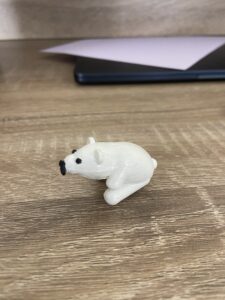
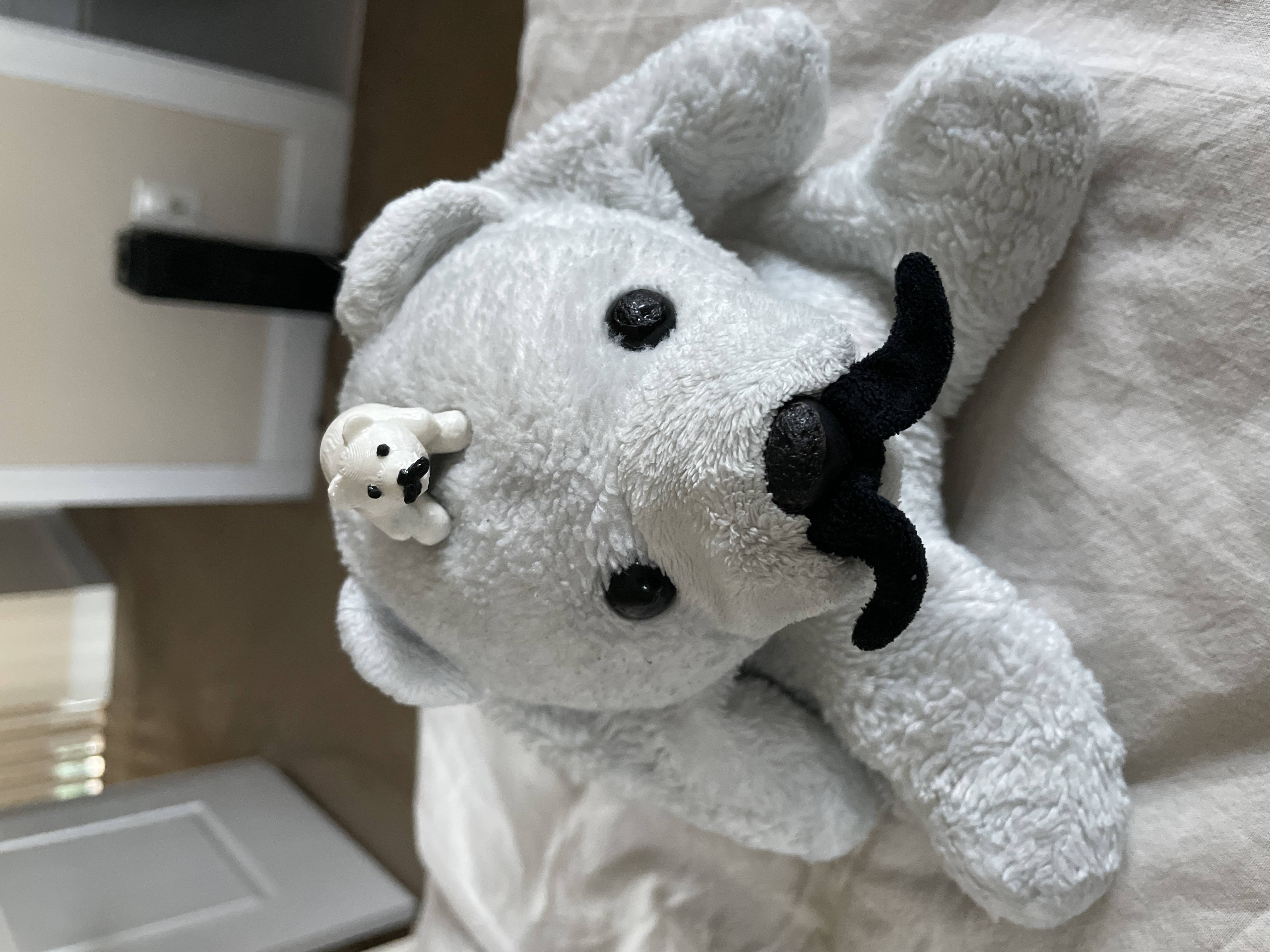
A little after graduating, I heard about a 3D modeling software called Womp3D on social media. I had some free time so I decided to try out this new software and 3D model my friend’s favorite childhood stuffed animal as a birthday present. Since I already had experience with Maya, Womp3D was relatively easy to pick up. After I finished modeling, I 3D printed the model and hand-painted it. I had a lot of fun modeling with this software and I loved how it turned out!


BLENDER
I wanted to keep my modeling and animating skills fresh, so I decided to take a Blender 4.0 Essential Training LinkedIn Learning course! In this course, I 3D modeled, rigged, animated, and rendered a star fighter trench run! I had a lot of fun learning how to navigate Blender and discovering similarities to Maya! I also learned how to utilize the camera to create a more dynamic scene, as well as compositing to enhance the image quality and coloring. Here’s the final rendered animation!